Reports
Ready-made Excel and PDF reports, from ledgers to profit.
Learn morePayments, expenses, sales invoices and purchase bills, recorded against the right project and party. The GST split is worked out for you.
The problem
For: Owners, finance and project leads (site in-charge can log expenses)
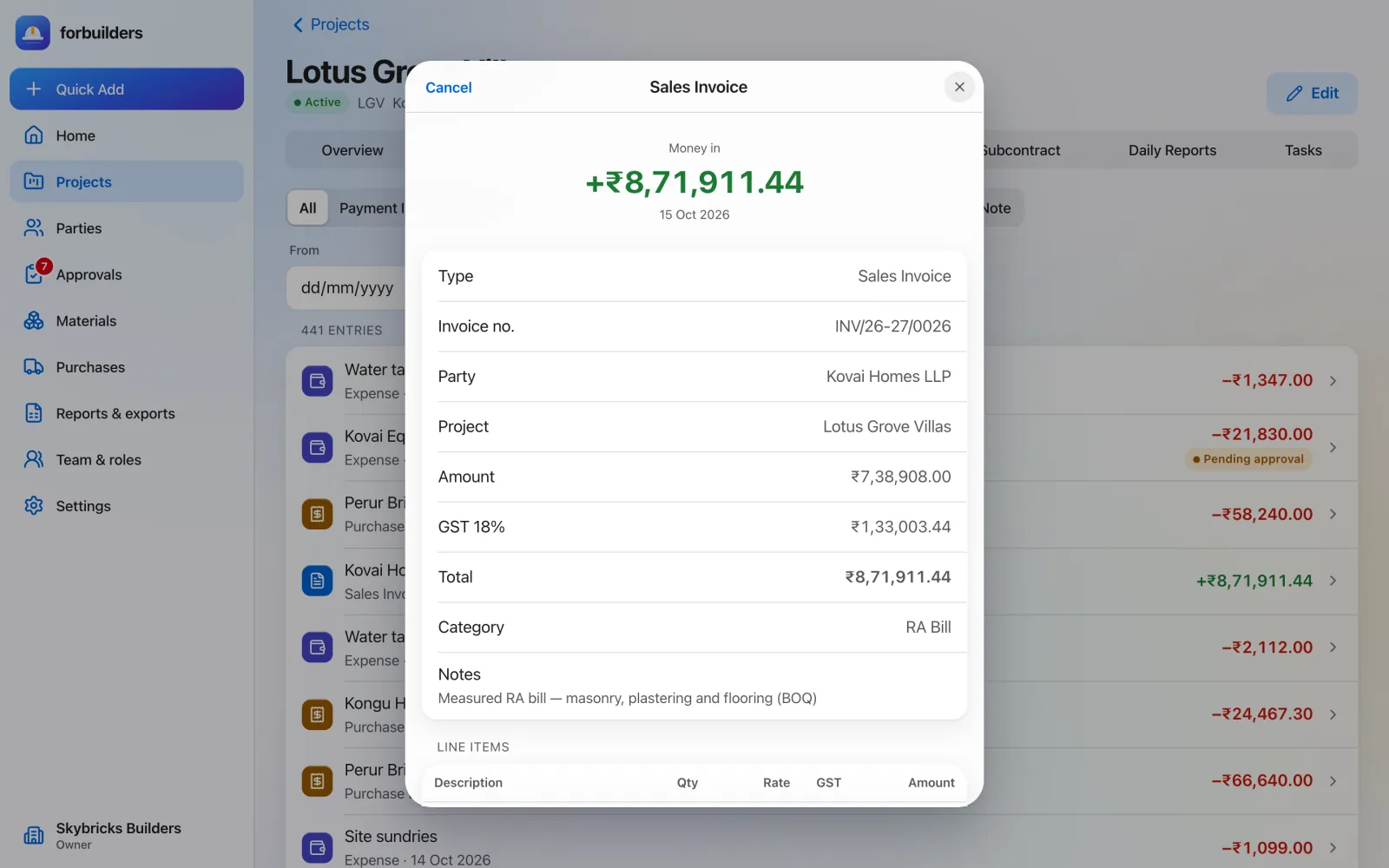
How it works
Payment in, payment out, sales invoice, purchase bill or expense. Debit and credit notes too.
forbuilders compares your state with the party’s state and splits the tax as CGST + SGST or IGST.
Add a photo or PDF of the bill, or pick it from Google Drive.
What you get
Everything on this page is live in forbuilders today.
FAQ
It compares your company’s state with the party’s state, taken from the first two digits of the GSTIN (or the state field if there is no GSTIN). Same state means CGST and SGST; different states means IGST.
Yes. Photos (JPEG, PNG, WebP, HEIC) and PDFs up to 10 MB each, or a file picked from Google Drive.
No. The calculations are tools to help you. You stay responsible for your GST and tax records.
Yes. Site In-charge members can record expenses and see only their own. Payments, invoices and bills are for Owners, Project Leads and Finance.
Works well with
Ready-made Excel and PDF reports, from ledgers to profit.
Learn moreDecide who approves what. Nobody approves their own entry.
Learn moreAsk for quotes, raise purchase orders, record goods received.
Learn moreFree during early access. Sign up with Google or email, add a project and invite your team in about five minutes.